The Apple Credit Card is built for iPhone users who want a simple setup and clear rewards. It charges no fees and earns Daily Cash back on every purchase, with higher rewards when you use Apple Pay.
This guide explains how to apply, what features you get inside the Wallet app, and how to manage payments and rewards day to day. Before you start, check the eligibility basics so you know whether you can apply from your device.


- Apple Card is designed for iPhone/iPad users and is managed in the Wallet app.
- You pay no fees, including annual, late, or foreign transaction fees.
- You earn Daily Cash automatically: 3% at Apple and select merchants, 2% with Apple Pay, and 1% with the titanium card.
- To apply, open Wallet, tap +, choose Apple Card, enter your details, and accept the terms if approved.
- Eligibility commonly includes being 18+, a U.S. resident, having an eligible device, and using an Apple ID with two-factor authentication.
- The APR varies by profile and the article cites a range of 18.24%–28.49% (as of January 2025), so paying in full helps avoid interest.
How the Apple Credit Card Works?
It gives you tools to monitor spending, track payments, and receive Daily Cash instantly. Goldman Sachs issues this card and runs on the Mastercard network.

- Works directly from your iPhone or iPad with the Wallet app
- Shows real-time spending activity and Daily Cash
- Offers a titanium card for places where Apple Pay isn't accepted
- Comes with no printed card number for added security
Key Features That Make It Stand Out
You manage everything through the Wallet app and gain full control over your spending, payments, and security.
- No fees, including annual, late, or foreign transaction charges
- Instant Daily Cash rewards for every purchase
- Spending insights with color-coded categories in the Wallet app
- Titanium card option with built-in privacy and durability
- Biometric security and dynamic security codes for safe usage
- Interest estimator tool to help plan your payments
Cash Back Rewards and How They Work?
You get Daily Cash rewards from every purchase you make with the card. The amount varies depending on how and where you pay.
To earn more, you should use Apple Pay whenever possible. Cashback is deposited as Apple Cash that can be spent immediately.
You earn a percentage back for every transaction. It shows up automatically in your Wallet.
Apple Card Daily Cash Breakdown
These cashback rates are among the most competitive for digital-first cards. Using Apple Pay increases your reward percentage significantly.
Here's what to expect:
- 3% Daily Cash at Apple and select merchants
- 2% Daily Cash with Apple Pay purchases
- 1% Daily Cash with the physical titanium card
List of Merchants Offering 3% Daily Cash
To earn the top rate, you must use Apple Pay at participating merchants. Apple updates the list regularly inside the Wallet app. The 3% category includes:
- Apple (online and retail)
- Nike (Nike app and stores)
- T-Mobile (bill payments and AutoPay)
- Uber and Uber Eats (app purchases)
- Walgreens and Duane Reade (stores and pharmacies)
- Exxon and Mobil (at the pump)
- Booking.com (eligible bookings)
- Ace Hardware (online and in-store)
- ChargePoint (charging stations)
Eligibility Requirements for Application
Before applying, make sure you meet Apple’s requirements. This includes device compatibility and credit standing.
You must:
- Be at least 18 years old and a U.S. resident
- Own an eligible iPhone or iPad with the latest iOS
- Sign in with your Apple ID and enable two-factor authentication
- Submit to a credit check and meet approval criteria
Step-By-Step Guide: How to Apply?
Applying for the Apple Credit Card takes only a few minutes. You do it directly from your Apple device. Follow these steps:
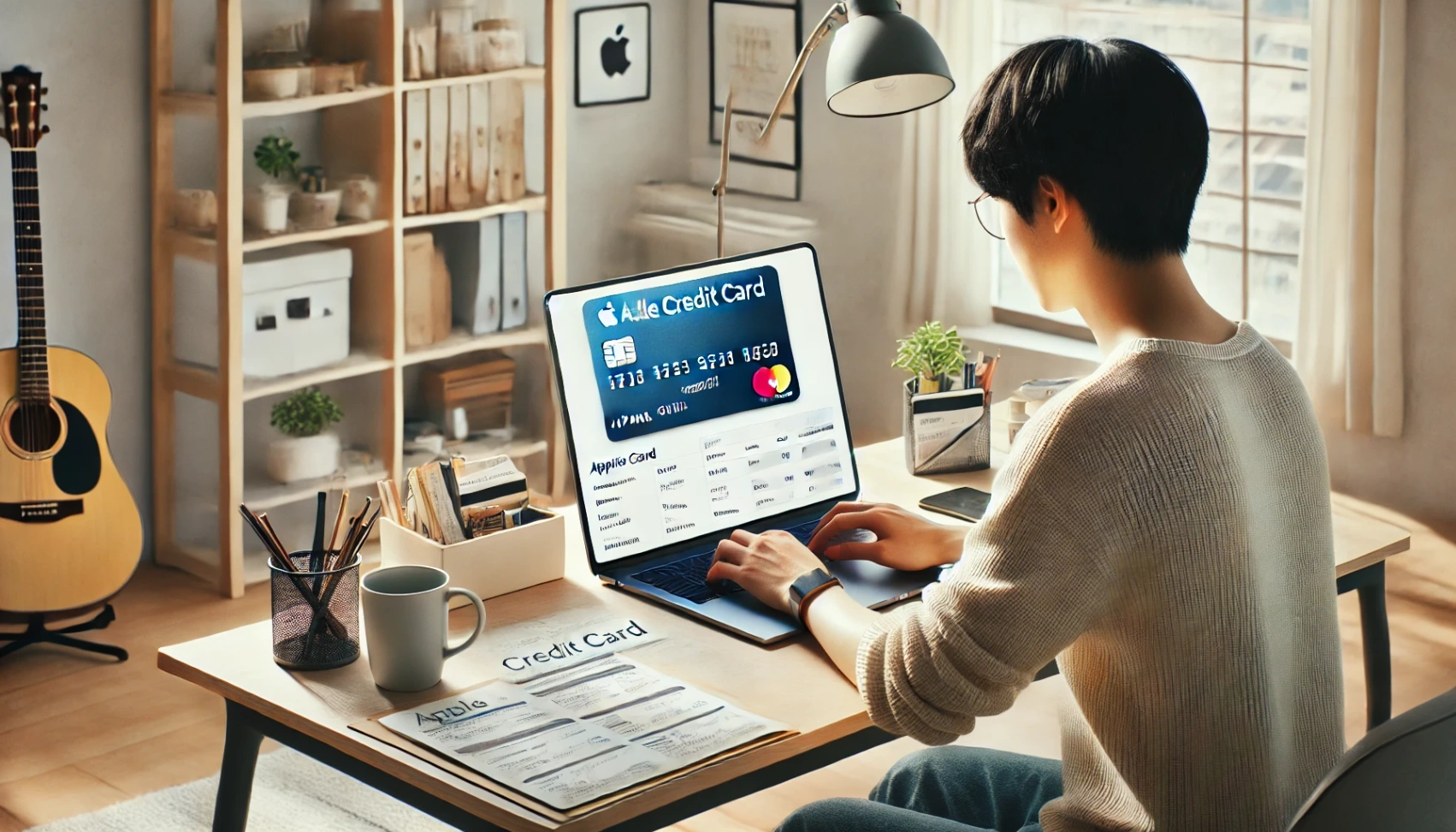
- Open the Wallet app
- Tap the plus (+) sign and choose Apple Card
- Fill out the requested personal and financial information
- Review your credit terms and accept the offer if approved
- Start using your card immediately, digitally or with the titanium version
Managing Your Card in the Wallet App
Everything related to your Apple Card lives inside the Wallet app. The design makes it easy to manage payments and track your usage.
Features include:
- Viewing transactions by category and location
- Making manual or automatic payments
- Adjusting your payment schedule or amount
- Using the interest calculator to preview charges
- Contacting support directly via Messages
Interest Rates and Payment Terms
Your APR depends on your credit profile and ranges from 18.24% to 28.49% as of January 2025. Although there are no fees, interest still applies to any unpaid balance.
Interest is calculated daily and can be previewed using the Wallet app’s estimator. You can manage and adjust payments to avoid carrying a balance.
Using and Spending Your Daily Cash
Daily Cash is added to your Apple Cash card automatically. It can be used like cash or transferred to a bank account. You can:
- Spend it with Apple Pay anywhere Mastercard is accepted
- Use it to pay off your Apple Card balance
- Send it to friends via iMessage
- Deposit it into a savings account if you have one linked
Apple Savings Account Integration
Apple Card users can grow their Daily Cash by linking it to a Savings account from Goldman Sachs. This account has no minimum balance and earns interest automatically.
You can manage and monitor everything in real time inside the Wallet app. Transfers in and out of the account are quick and flexible.
Apple Card Family and Co-Owners
You can share your Apple Card through Family Sharing with up to five participants and one co-owner. Everyone gets shared spending access and can receive Daily Cash rewards.
Co-owners can build credit together, and you can set controls for participants. Activity is visible to everyone in the group, helping manage spending.
Security and Privacy Protections
The Apple Card protects your privacy by not printing the card number on the physical card. Instead, the number is stored securely in your Wallet app and used with one-time dynamic codes.
Every purchase requires Face ID or Touch ID for an added layer of protection. You can also lock or remove the card instantly through your iPhone.
- In-app support: Open the Wallet app to message Apple Card support via Messages (24/7, per the article).
- Phone (Goldman Sachs): 1-877-255-5923.
- Official info page: support.apple.com/apple-card.
Disclaimer: Apple Card applications are subject to credit approval, and eligibility may depend on your device and location. Daily Cash percentages and merchant participation are subject to change at any time.
Final Words: Should You Apply for the Apple Credit Card?
If you’re already using Apple products and prefer digital tools, this card is a good fit. You get instant rewards, no fees, and complete control over your account.
It's ideal for everyday spending and tracking. Just confirm you meet the eligibility before applying.