Selling and buying children’s clothing has shifted to mobile-first, where convenience and speed matter more than ever.
Parents now handle the entire resale process, from listing to delivery, without opening a laptop, making smartphones the most efficient tool for running this side hustle on their own schedule.
Buying and Selling on a Single Screen
Parents worldwide juggle school runs, grocery lists, and work deadlines, so convenience drives every purchase and sale.
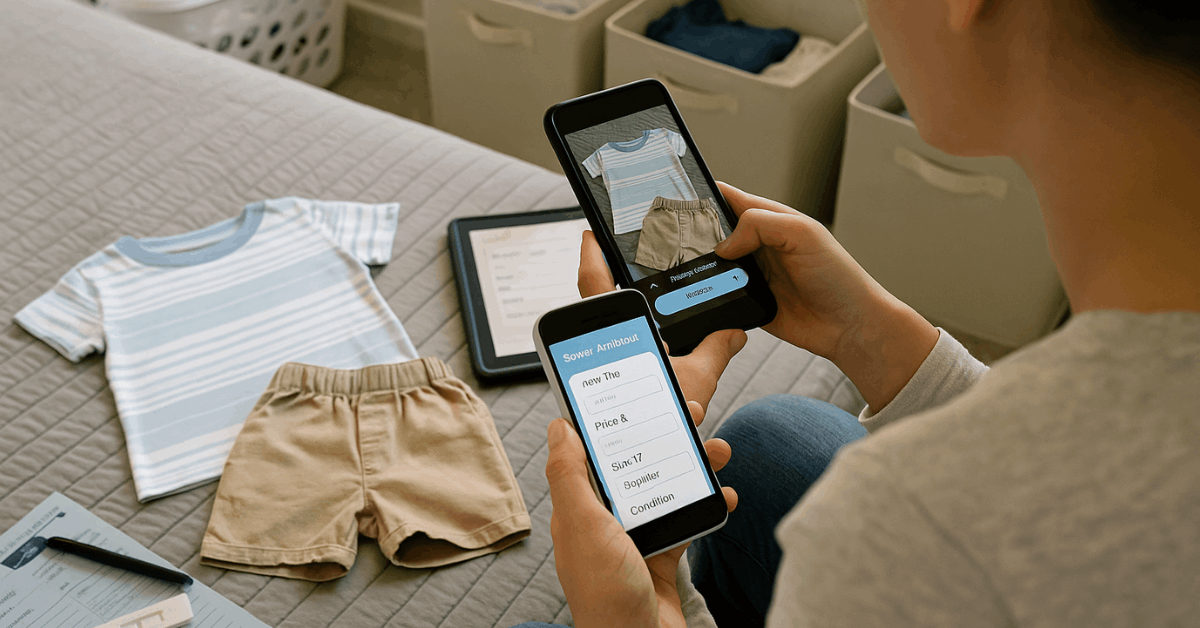
Smartphones deliver that convenience by letting you browse listings, snap product photos, negotiate prices, and arrange deliveries without powering up a laptop.
Mastering a few mobile-centric tactics streamlines every step, from sourcing gently used onesies to shipping out last season’s coats, and keeps the entire process secure, profitable, and almost friction-free.
Prepare High-Demand Stock Before Opening an App
Effective mobile selling starts long before the first upload; therefore, focus on curation, condition, and cleanliness.
Curate season-appropriate bundles
Grouping clothes by size, season, or theme helps buyers grasp value quickly. A “6-to-9-month winter bundle” or “toddler party set” often moves faster than single items.
Inspect and refresh
Wash garments with hypoallergenic detergent, remove pilling with a fabric shaver, replace missing buttons, and steam out creases. A buyer scrolling on a five-inch screen needs crisp visuals to trust the listing.
Verify safety standards
Check labels for OEKO-TEX® or similar certifications and confirm snaps, zippers, and appliqués pose no choking hazards. Mention safety credentials in the description to reassure cautious parents.
Shoot Scroll-Stopping Photos With Your Phone
Mobile marketplaces rely on thumbnail impressions. Polished images boost click-through rates and final prices.
| Element | Practical Technique | Quick Outcome |
| Lighting | Photograph near a window between 10 a.m. and 2 p.m.; disable phone flash | True colors and reduced shadows |
| Background | Use a plain white poster board or a neutral bedsheet | Focus stays on clothing details |
| Angles | Capture front, back, close-ups of prints, and any flaws | Fewer buyer questions and returns |
| Scale reference | Lay a ruler or include the original size tag in one frame | Buyers judge fit accurately |
| Editing | Apply minimal exposure and contrast corrections in-app; avoid heavy filters | Authentic depiction maintains trust |
Craft Mobile-Optimized Listings That Convert Quickly
Long-form storytelling clutters small screens. Concise, structured data wins.
Title blueprint:
- [Brand] [Garment] – [Size] – [Condition] – [Key Feature]
- Example: “Carters Pajama Set – 12 M – Like New – Organic Cotton”
Bulletized details:
- Fabric: 95 % organic cotton, 5 % elastane
- Fit: True to size, snug cuffs
- Damage: None, no stains, smoke-free home
Keyword inclusion:
- Parents often search phrases such as “growsuit,” “vest,” or popular characters. Embed those naturally to improve in-app search visibility.
Hashtags for social-commerce apps:
- #KidsFashion #EcoFriendlyBaby #12Months
Choose Secure, High-Traffic Mobile Platforms
A marketplace’s built-in audience shortens the sales cycle. Review fee structures, buyer protection, and regional reach before listing.
| Platform | Primary Strength | Cost Model | Ideal Use Case |
| Facebook Marketplace | Massive local user base, no listing fee | Optional boost fees | Quick neighborhood pickup deals |
| eBay Mobile | Global reach, auction option | 10 %–12 % final value fee | Brand-name or vintage kidswear |
| Poshmark Kids | Social shopping, prepaid shipping labels | 20 % commission | Mid- to high-tier children’s brands |
| Vinted | Seller keeps full sale price; buyer pays fee | Free for sellers | Bulk clear-outs without fees |
| Instagram Shop | Visual discovery, influencer crossover | 5 % selling fee | Boutique or custom designs |
Set Smart Mobile-Friendly Prices and Accept Digital Payments
Pricing strategies:
- Cost-plus approach – Add a fixed margin to acquisition cost when flipping thrift finds.
- Market-rate matching – Search sold listings in the app and undercut by 5 % to move inventory faster.
- Bundle discounting – Offer 10 % off three items purchased through the in-app cart to raise average order value.
Payment methods:
Secure, traceable transactions protect both parties. Enable at least two of the following:
- In-app wallet (eBay, Vinted) – Funds remain pending until delivery confirms.
- PayPal Goods & Services – Buyer protection reduces disputes; fees range 2.9 %–4.4 %.
- Mobile banking QR transfers – Low fees domestically; share only dynamic QR codes to avoid account exposure.
Avoid peer-to-peer “friends and family” options that void protections.
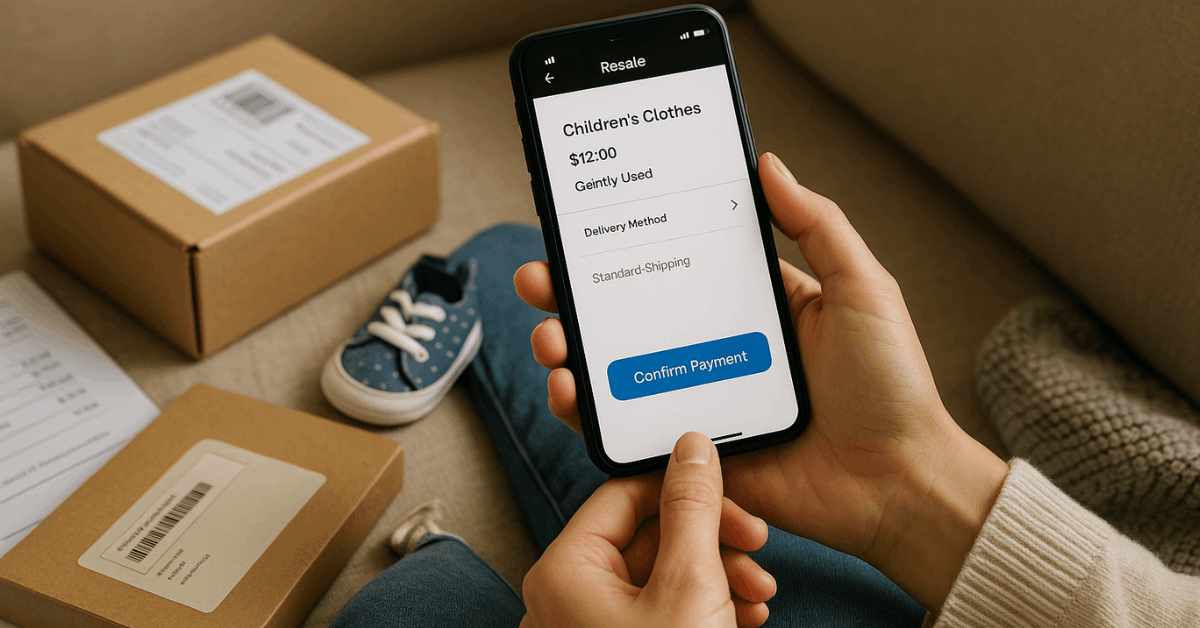
Package Sustainably and Print Labels on Your Phone
Parents increasingly value eco-responsible practices.
- Reuse clean shipping boxes or poly-mailers; remove old barcodes and labels.
- Wrap garments in recyclable tissue; avoid single-use plastic wherever possible.
- Print prepaid labels directly from the marketplace app or carrier app; most support AirPrint or PDF downloads to a thermal printer.
- Attach QR-based tracking so buyers follow every scan event in-app, reducing “where is my order?” messages.
Deliver Five-Star Customer Service Entirely on Mobile
Push notifications allow real-time communication. Quick replies increase rating scores and repeat sales.
- Template replies for size guidance, shipping timelines, and care instructions save typing.
- Automated thank-you notes after delivery encourage feedback and photo reviews.
- Problem-solving workflow: Respond within two hours, request images of any issue, and offer partial refund or return label immediately.
Satisfied buyers often repost a positive unboxing video, expanding organic reach.
Source Bargains Confidently When Buying on Mobile
Buying second-hand children’s clothes on a phone requires fast verification skills.
Condition checklist:
- Use the zoom tool and request additional photos showing:
- Neckline stretch and snap tension
- Knee and elbow fabric integrity
- Stain close-ups under natural light
Authenticity Signals
Recognize brand tags, serial numbers (for high-end labels), and consistent stitching. Ask sellers to photograph the inside care label and reverse side of embroidered logos.
Price Negotiation Etiquette
Send a polite bundled offer through the app’s “Make an Offer” button. Aim for 10 %–15 % below listing while staying respectful; low-ball tactics often result in blocks or counteroffers higher than initial price.
Leverage Mobile Apps for Inventory and Analytics
Keeping track of dozens of listings gets tricky. Lightweight apps automate reminders and stats.
| App | Key Functionality | Platform Compatibility |
| Seller Hub (eBay) | Real-time sales analytics, bulk price edits | iOS, Android |
| List Perfectly Mobile Sync | Cross-posting to multiple marketplaces | Web-based PWA |
| Canva | Quick watermarking and story creation | iOS, Android |
| ShipStation Mobile | Batch label printing, carrier rate compare | iOS, Android |
Data insights, average days to sell, peak buying hours, guide listing schedules and markdown timing for maximum profit.
Stay Compliant With Global Kidswear Regulations
Selling across borders widens the customer base, yet regulatory rules vary.
- United States: Children’s sleepwear must comply with CPSC flammability standards; list “meets 16 CFR 1615/1616.”
- European Union: EN 14682 bans drawstrings around the neck area for sizes under 7 years.
- Australia / New Zealand: Mandatory fire hazard labels apply to nightwear and limited-daywear items.
Include compliance codes in listings to avoid returns and platform penalties.
Engage Mobile Communities for Faster Sales
Active participation in niche groups lifts visibility.
- Facebook parenting groups allow weekly sale threads, check rules and share a collage of items with marketplace link.
- Instagram Reels showcasing outfit flat-lays often reach explore pages; add subtitles for silent viewing.
- TikTok thrift flips demonstrate before-and-after transformations; overlay price breakdowns to highlight savings.
Respond to comments swiftly to convert viewers into buyers while the algorithm still boosts engagement.
Evaluate Profit and Reinvest Wisely
After each sales cycle, review metrics inside the app’s dashboard.
- Gross sales vs. fees: Subtract marketplace, payment, and shipping charges.
- Average days in inventory: Items lingering beyond 45 days merit a 20 % markdown or donation.
- Repeat-buyer rate: Incentivize loyal parents with private discount codes sent via in-app messages.
Allocate a portion of profits to restock in upcoming sizes or seasons, keeping inventory fresh and cash flow positive.
Conclusion
Smartphone apps compress the entire children’s clothing lifecycle, sourcing, presentation, payment, and delivery, into a palm-sized business.
By capturing studio-quality photos, optimizing listings for tiny screens, embracing secure digital payments, and respecting safety regulations, you convert outgrown outfits into a steady income while helping other families find affordable, eco-friendly wardrobe solutions.
Apply the techniques outlined above, fine-tune them with platform analytics, and transform casual weekend sales into a sustainable mobile enterprise ready for the €285 billion global kidswear market.