Allergies can affect your daily comfort and productivity every day. You can easily track allergies with mobile apps to find triggers and manage symptoms.
These apps provide real-time updates and personalized data to help you stay protected. They explain how allergy tracking works and guide you in choosing the right tools.


Why Allergy Tracking Is Important?
Allergy tracking is not only about convenience but also about understanding your body’s patterns. Knowing what triggers your symptoms helps you make better choices throughout the day.
You can prevent flare-ups, adjust your environment, and stay consistent with your medication. Tracking helps both you and your doctor create an accurate health plan.
Identifying the Triggers That Affect You
Every person has unique allergy responses. Pollen, dust, pet dander, and pollution are common sources, but their impact varies by location and weather.
By using allergy apps, you can pinpoint what causes your discomfort. This insight allows you to take preventive steps like staying indoors or adjusting your air filter.
Benefits of Regular Tracking
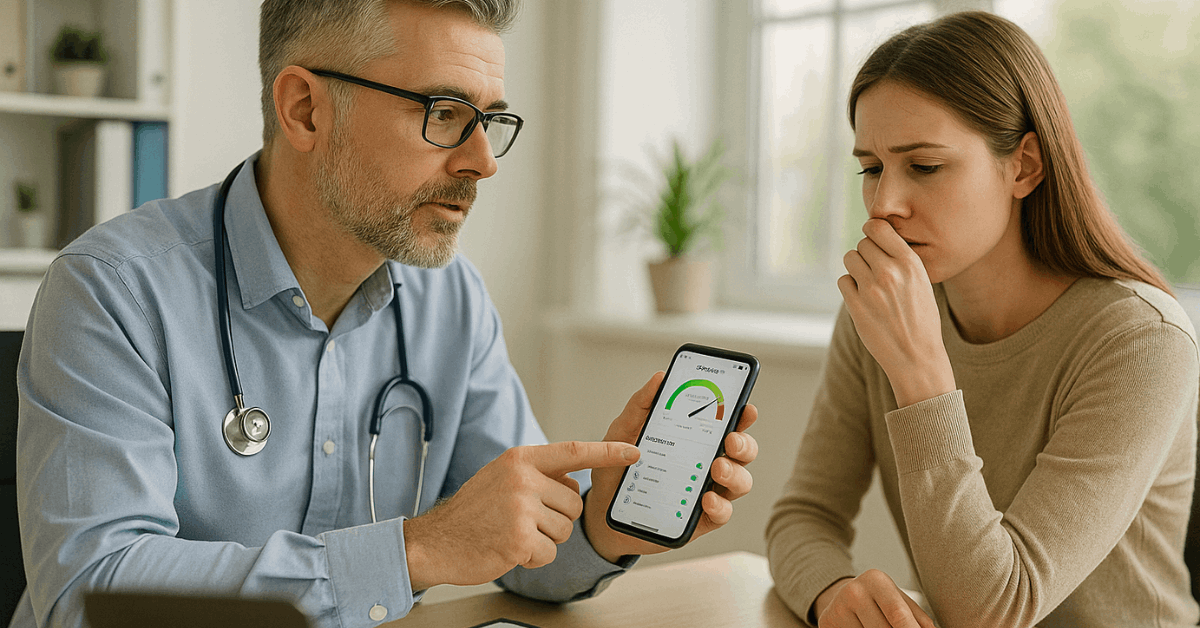
Consistent symptom logging gives you a clear view of how allergies change over time. It helps identify seasonal trends and the effect of certain environments.
Regular tracking also improves communication with healthcare providers. The data you collect becomes a useful record during check-ups.
Best Allergy Tracking Apps for Daily Use
Today, several apps make it easy to monitor allergy symptoms and air conditions. These platforms simplify data collection and deliver instant updates.
Each one offers distinct features suited for different users. Below are some reliable apps worth trying.
Klarify: Pollen & Allergy App
Klarify helps you understand how environmental factors affect your health. It gives daily pollen forecasts, weather information, and symptom tracking tools.
The app provides location-based updates and weekly summaries. You can download it for free on Google Play and the App Store. It’s available for both Android and iOS devices directly through their respective stores.
Zyrtec AllergyCast
Zyrtec’s app offers accurate pollen level predictions tailored to your city. It shows how allergens will affect you each day and provides an “Allergy Impact Score.”
You can compare forecasts, track symptoms, and receive tips for relief. It’s simple to use and integrates with Zyrtec’s product information.
You can install it from Google Play for Android users or from the App Store for iPhone users.
WebMD Allergy App
WebMD’s allergy app combines tracking tools with trusted medical content. It includes a symptom log, forecast alerts, and professional advice.
The app helps generate reports for doctor visits. It’s ideal for users who want both insights and educational material in one platform. You can get it on Google Play or the App Store, depending on your device.
How to Choose the Right Allergy App?
Choosing the right app depends on your lifestyle and the type of data you need. Some people prefer detailed pollen data, while others want simple notifications.
Focus on apps that provide consistent and verified updates. Here are the main points to consider.
Accuracy and Data Sources
Apps with reliable pollen and air quality data make a difference in managing symptoms. Look for platforms that use meteorological and environmental agency data.
Accurate forecasts reduce unnecessary exposure and improve medication timing. Consistent updates ensure better decision-making each day.
Personalization Features
Personalized alerts help you take timely precautions. Apps that learn from your symptom logs provide better recommendations.
You can customize alert times and choose what allergens to track. These settings create a more meaningful experience based on your habits.
Integration With Other Devices
Modern allergy apps can sync with health platforms and wearables. This allows you to link symptoms with activity levels or sleep quality.
The integration provides a broader view of your overall wellness. It also helps spot correlations that might go unnoticed otherwise.
How to Start Tracking Allergies Step-By-Step?
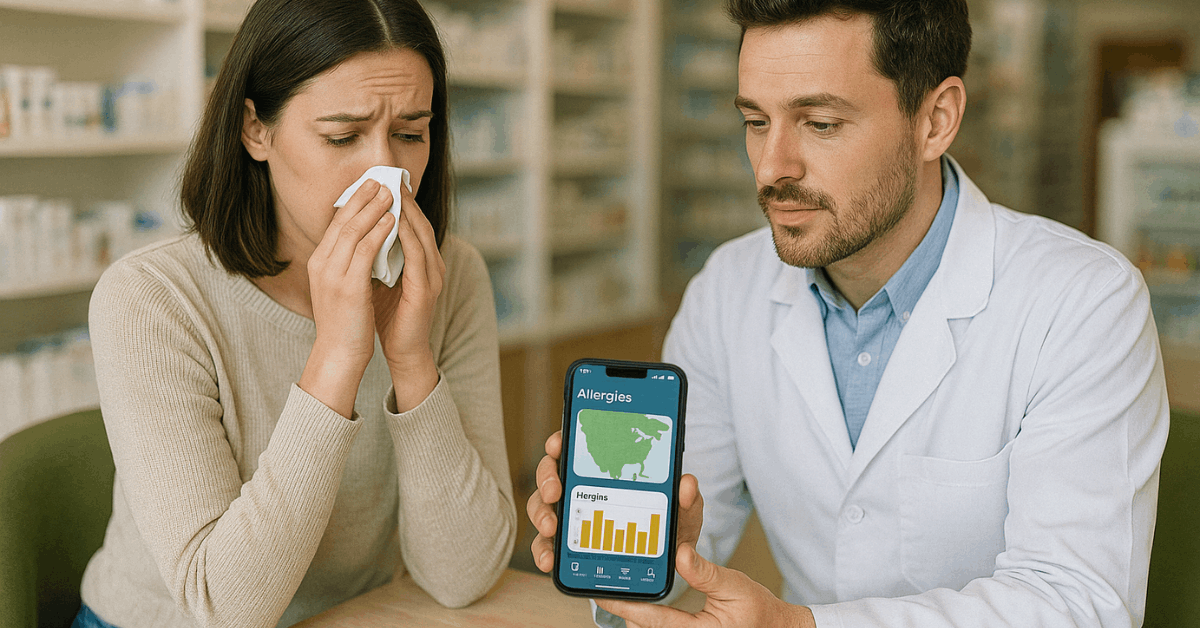
Starting allergy tracking is simple once you know what to do. Apps guide you through setup and keep your information organized. Follow these steps to get started effectively.
- Step 1: Download a trusted app such as Klarify or WebMD Allergy from Google Play or App Store.
- Step 2: Create an account and enter your current location for accurate pollen forecasts.
- Step 3: Log symptoms daily, including severity and suspected causes.
- Step 4: Enable notifications to receive real-time alerts for high pollen levels.
- Step 5: Review weekly summaries to identify repeating patterns.
- Step 6: Share your tracking history with your doctor for better diagnosis and medication plans.
Practical Tips for Managing Allergies
Managing allergies goes beyond just logging symptoms. You can use your app’s data to improve daily routines. Here are practical ways to make the most out of allergy-tracking tools.
Combine Tracking With Preventive Habits
Your allergy data helps you know when to stay indoors or wear protective gear. Avoid outdoor activities when pollen levels are high.
Keep windows closed and use air purifiers for cleaner air. Small changes make noticeable improvements in your comfort.
Cross-Check With Weather and Air Quality
Weather conditions often affect pollen levels. Many apps combine weather forecasts with allergy data to help you plan safely.
Use this information before outdoor activities. It reduces unnecessary exposure to triggers.
Update Logs Consistently
Consistency ensures accuracy in your reports. Make it a routine to log your symptoms at the same time daily.
Over time, this pattern gives you precise insights into your allergy behavior. Reliable data helps you predict flare-ups before they happen.
Advantages and Limitations of Allergy Apps
Allergy apps simplify tracking and awareness, but they also have boundaries. Knowing both sides helps set realistic expectations. Here’s what to keep in mind.
- Advantages: Real-time forecasts, symptom management, and better doctor communication.
- Limitations: Some rely on user input or internet access, affecting accuracy.
- Extra Tip: Combine two apps for comparison to ensure data reliability.
Professional Guidance for Effective Use
Technology supports health, but it doesn’t replace medical advice. Always consult your allergist before adjusting medications.
Use app data as supporting information, not diagnosis. Your doctor can help interpret patterns correctly and fine-tune your treatment.
Stay Ahead of Allergies With Smart Tracking
Learning to track allergies with mobile apps helps you stay informed and take control of your health. These tools simplify monitoring, predict triggers, and help you make proactive choices.
Combining app data with medical support ensures a balanced approach to managing allergies. Stay consistent, stay informed, and use technology to breathe easier every day.