
Brazil’s “salary bonus” (Abono Salarial) for private-sector workers linked to the PIS is paid by Caixa Econômica Federal.
This guide explains how to check eligibility, confirm where your money was deposited, and withdraw or move the funds using the CAIXA app ecosystem.


It also clarifies the difference between PIS (paid by CAIXA) and PASEP (paid by Banco do Brasil), so you can choose the correct channel.
First, Confirm Who Pays You: PIS vs. PASEP
Abono Salarial is split by program.
PIS covers workers from private companies and is paid by CAIXA; PASEP covers statutory public servants and is paid by Banco do Brasil.
This distinction matters because withdrawal channels and apps differ. If your right is under PIS, you will use the CAIXA apps and channels described in this guide.
If it is under PASEP, you will receive it through Banco do Brasil (including credit in the account, TED, PIX, or in-branch).
Check Eligibility and Payment Dates (before opening the app)
Before trying to withdraw, verify that you have the right to the benefit and that payment has started for your birth month.
You can consult eligibility and bank of payment in the Carteira de Trabalho Digital app (tab “Benefícios” → “Abono Salarial” → “Pagamentos”).
There you will see the value, the payment date, and which bank pays you.
The unified annual calendar by month of birth shows exactly when funds become available. Phone assistance is also available at 158 (Alô Trabalho).
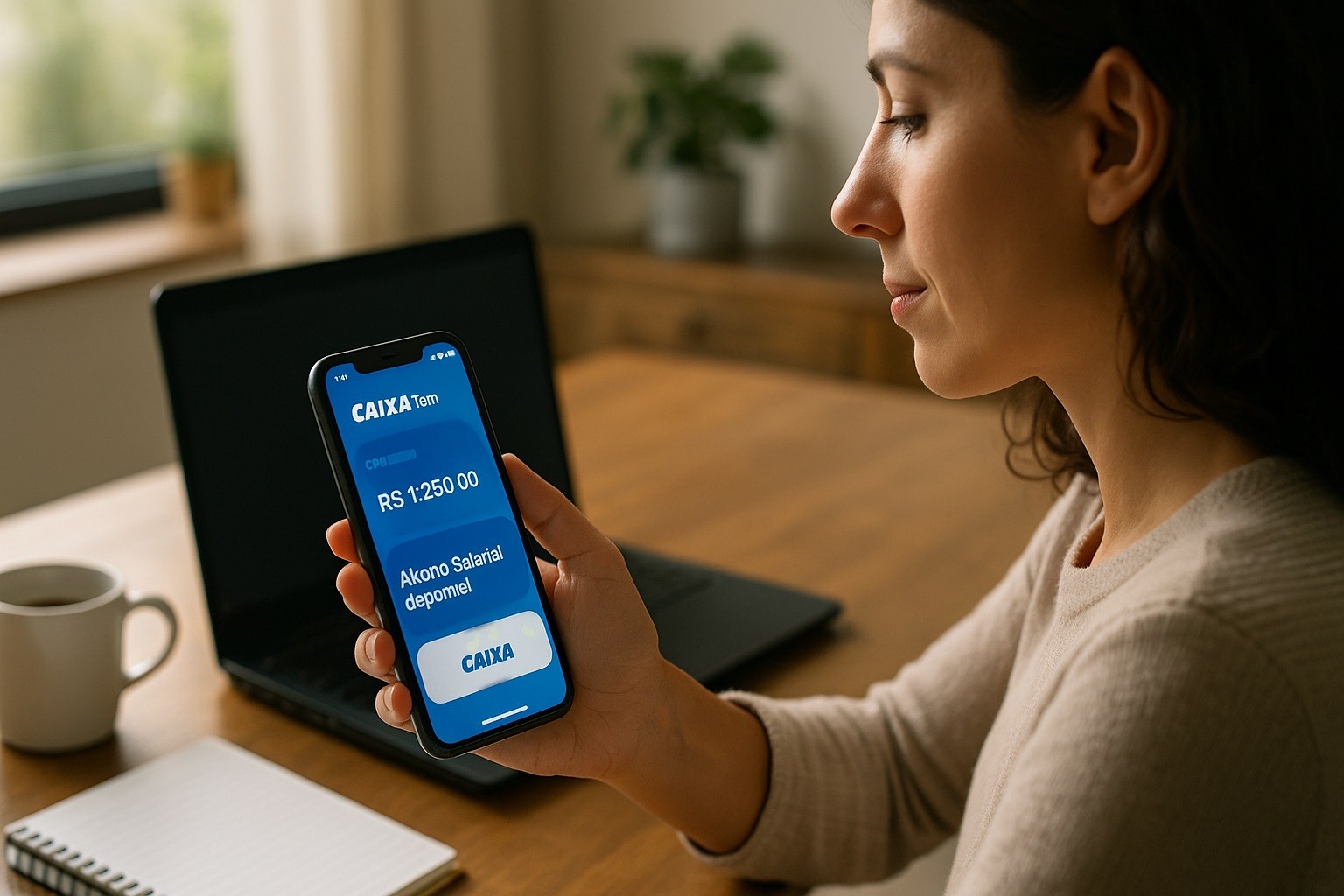
Withdraw Salary Bonus On Caixa App: “CAIXA” App and “CAIXA Tem”
If your consultation shows CAIXA as the paying bank (PIS), continue with the steps below.
- How the money arrives: The Abono linked to PIS can be paid by credit in a CAIXA current/savings or digital account, by credit to a social savings account accessed via CAIXA Tem, or withdrawn at ATMs, Lottery outlets, CAIXA Aqui correspondents, or branches with ID. Your goal is to see where the credit landed and then withdraw or transfer.
- CAIXA Tem (Poupança Social Digital): Many workers receive the deposit in a social savings account opened automatically by CAIXA, accessed through the CAIXA Tem app. From there, you can pay bills, transfer by PIX, or generate a cash-out code (“saque sem cartão”) to withdraw at ATMs, Lottery outlets, or CAIXA Aqui.
- CAIXA account (app CAIXA / app Benefícios Sociais): If you already bank with CAIXA and the credit went straight to your current/savings/Conta Digital, you can manage it in your banking app (e.g., transfer via PIX) or simply withdraw at any CAIXA channel. Additionally, CAIXA’s Benefícios Sociais app lets you consult Abono Salarial information and payment dates in one place with other benefits.
Step-by-Step: Withdrawing With CAIXA Tem (PIS paid into social savings)
If your consultation shows a credit in the CAIXA social savings (“poupança social digital”), use CAIXA Tem.
- Install and access CAIXA Tem: Open the app and log in with your CPF and password. If you are a first-time user, complete the in-app registration.
- Confirm availability of the Abono: In the app, check services related to Abono Salarial or the account balance/statement to ensure the deposit has cleared (respecting your calendar date).
- Choose how to take out your money: Transfer via PIX to any bank account you own. This is typically the fastest and avoids queues.
- Cash withdrawal without card (“saque sem cartão”): In CAIXA Tem, generate a withdrawal code and follow the on-screen instructions to use ATMs, Lottery outlets, or CAIXA Aqui correspondents.
Tip: If the app indicates “not yet available” or shows a future date, compare it with the official calendar by birth month. Funds become withdrawable only from your scheduled start date.
Step-by-Step: If Your Abono Went to a CAIXA Account (app CAIXA)
If the Abono was credited automatically to your CAIXA current/savings/Conta Digital, you can:
- Open your banking app (CAIXA): Check your account statement to confirm the deposit.
- Move funds as you prefer: Execute a PIX transfer to your preferred bank or keep the money in CAIXA.
- Need cash? Withdraw using CAIXA ATMs, Lottery outlets, CAIXA Aqui, or at a branch with ID—all are standard channels for Abono paid by CAIXA.
Using the Benefícios Sociais App to Stay Organized
While CAIXA Tem is the operational app for poupança social digital, many users rely on CAIXA’s Benefícios Sociais app.
They consult the Abono, check payment calendars, and review past installments alongside other government benefits in a single interface.
Keeping both apps installed ensures you can track status and operate withdrawals as needed.
Common Situations and How to Resolve Them
My consultation shows Banco do Brasil (PASEP), but I tried CAIXA Tem.
- If you are PASEP, the paying bank is Banco do Brasil. The CAIXA apps will not release the money. Follow BB channels (credit in account, PIX/TED, or in-branch) for your withdrawal.
I meet the criteria, but don’t see the credit yet.
- Check the Abono calendar by birth month and the bank of payment in Carteira de Trabalho Digital; only after your start date will the amount show up for withdrawal.
App login failures or blocked access.
- Update the app from the official store, ensure your CPF and password are correct, and retry later if there is high demand. If you still can’t access, use the in-person channels listed for Abono or contact official labor assistance at 158.
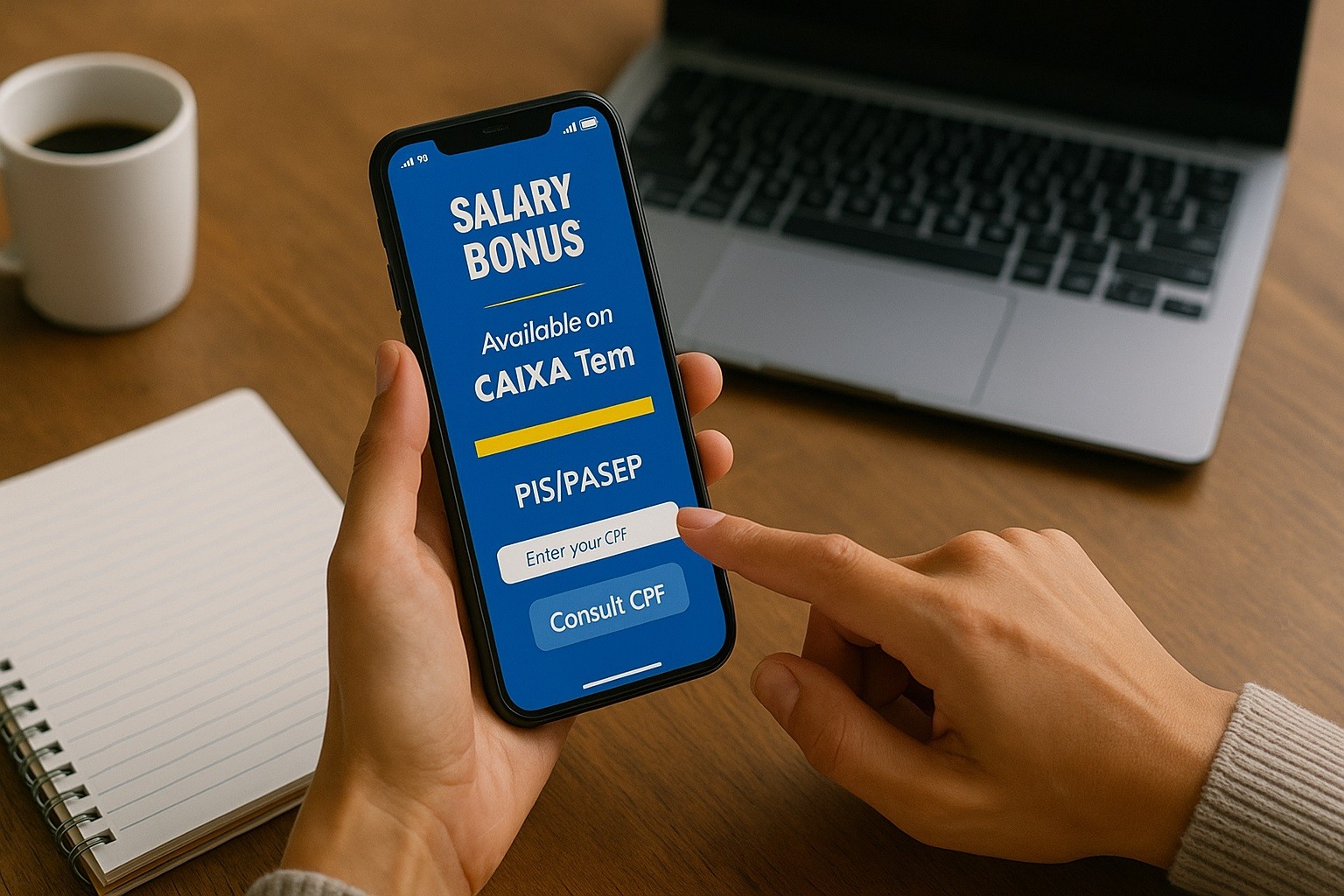
Security and Good Practices When Using the Apps
Install only official apps from the Google Play Store or Apple’s App Store. Avoid third-party “consultation” apps that are not CAIXA or government.
Never share your CPF/password or withdrawal code with anyone. The code enables cash-out; treat it like cash.
Prefer PIX transfers from CAIXA Tem or your CAIXA account to your main bank account to minimize handling cash.
If you suspect a data error, consult Carteira de Trabalho Digital and use official service channels (including 158) to regularize data.
Final Word
You can withdraw Salary Bonus on Caixa App once you confirm eligibility, calendar date, and where the payment was credited.
When in doubt, rely on official federal and CAIXA guidance—they consolidate the current rules and channels.