
You can track Auxílio Brasil payments today through the official Bolsa Família channels on your phone.
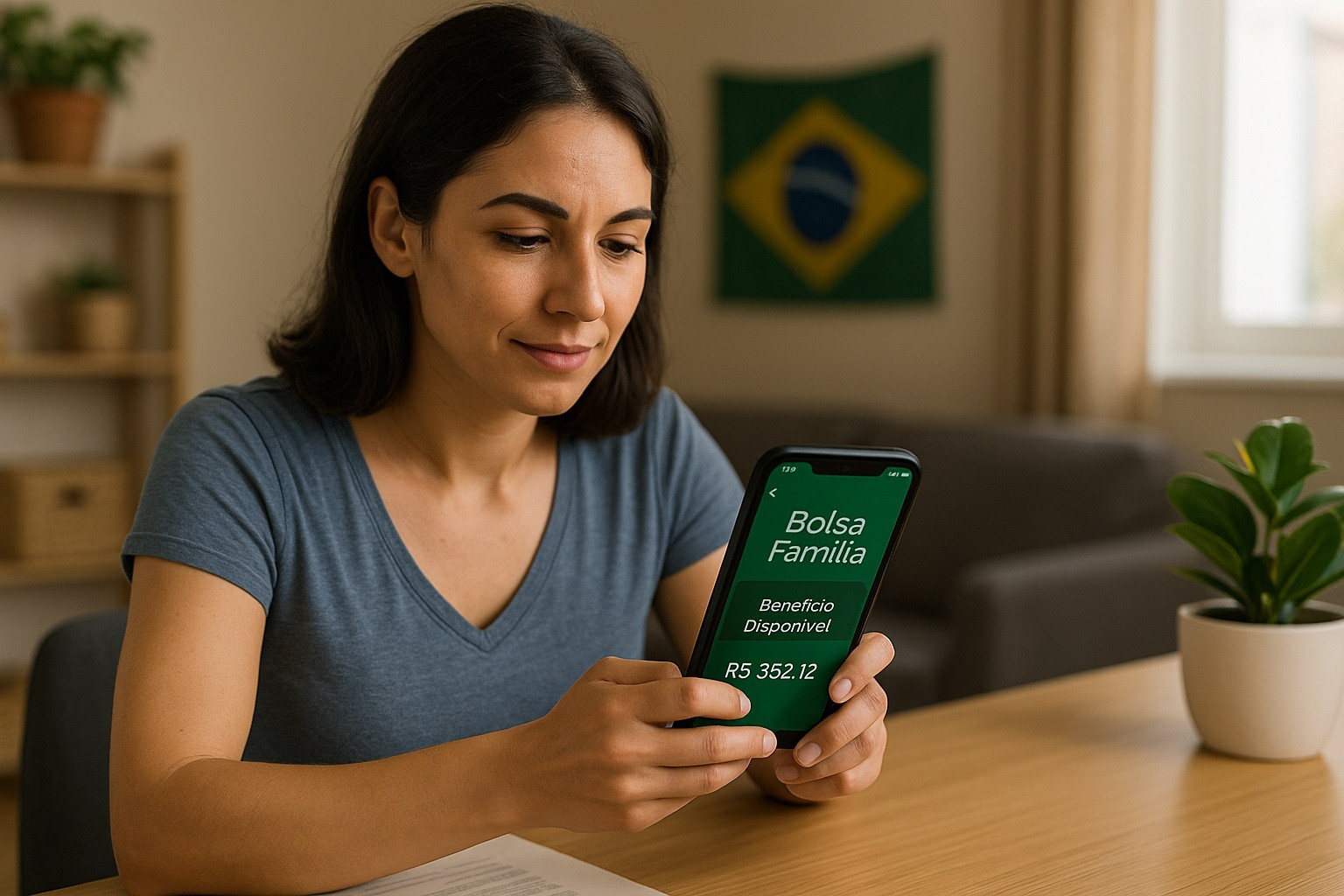
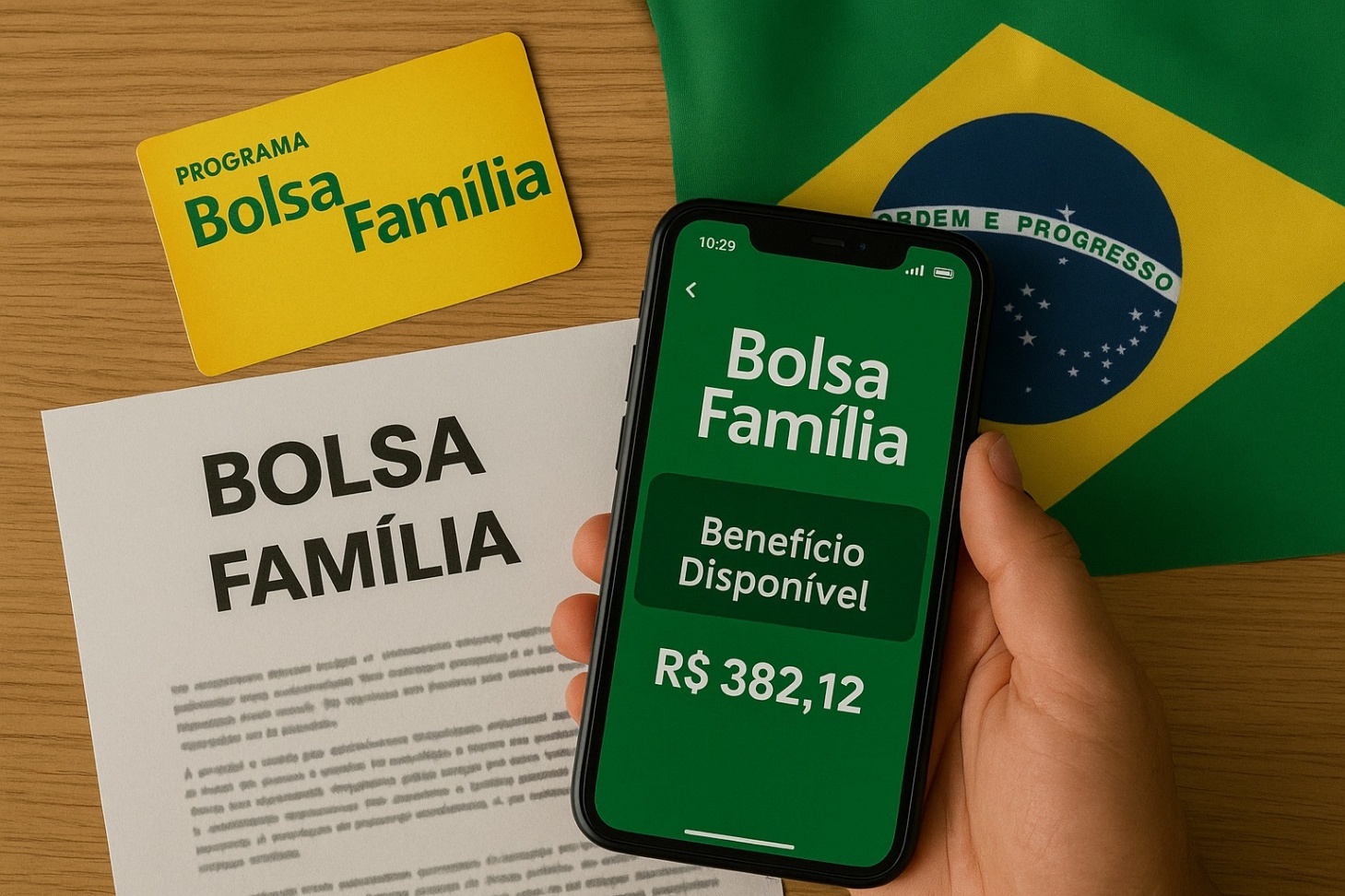
The most direct tool is the “Bolsa Família” app by Caixa Econômica Federal, which shows your next payment date, released installments, and a detailed statement.


You can also consult the government payment calendar and keep your Cadastro Único up to date using official apps.
The Official Apps You Should Use
Government guidance indicates that the Bolsa Família app is the channel to consult the benefit, locate payment points, and see the calendar on your phone.
- Bolsa Família (CAIXA) — This is the primary app to check your benefit on mobile. You can consult payment dates, see installments already released, and view a detailed statement (“extrato”) in a few taps. The developer is Caixa Econômica Federal; verify the name before installing.
- Benefícios Sociais CAIXA — This companion app centralizes social benefits information (Bolsa Família, Abono Salarial, INSS, Seguro-Desemprego, Pé-de-Meia, “Meu NIS”). It lets you check payment calendars, consult the status of installments, and generate your NIS proof.
- Cadastro Único (CadÚnico) — Keep your family record current. The app shows family members, each person’s NIS, whether your registration is up to date, and allows data confirmation when eligible. If your record is outdated, payments can be affected.
Step-by-Step: Track Auxílio Brasil Payments
Install “Bolsa Família” from your phone’s official store.
Confirm the developer is Caixa Econômica Federal and the app name matches exactly.
Avoid similarly named apps that are not from Caixa or the Federal Government.
Sign in with CPF and your Caixa app password
On first open, choose the option to log in with your Bolsa Família/CAIXA credentials.
Enter your CPF and the password you already use for Caixa’s social-benefit apps (the same credentials work across Bolsa Família, FGTS, and Benefícios Sociais).
If you don’t have a password, register one following the on-screen steps.
Open the payment sections
Inside the app, use “Calendário” (payment calendar), “Parcelas” (released installments), and “Extrato” (detailed statement).
These sections show upcoming dates, what has been released, and the line-by-line movements of your benefit.
Confirm your next date using the official calendar
Your payment date depends on the last digit of your NIS (“final do NIS”).
Check the month’s schedule and match your final digit to the listed business day.
The app mirrors the official calendar.
If you also use CAIXA Tem
Some beneficiaries receive through Poupança Social Digital and manage funds in CAIXA Tem.
Sign in with your CPF, follow security prompts, and handle transfers or withdrawals there.
Remember: tracking the benefit is done in Bolsa Família; CAIXA Tem is for banking operations on the digital account.
How the Payment Calendar Works (NIS final digit)
The payment calendar spreads disbursements across business days each month according to the final digit of your NIS (1 to 0).
Find the last digit printed on your card or shown in the CadÚnico app, then match it to the monthly table to see when your installment becomes available.
If a date falls on a holiday or non-business day, the schedule accounts for it. Always check the current month inside the app to avoid confusion.
You generally have up to 120 days to withdraw each installment; after that period, the installment expires.
Keep Your Registration up to Date (CadÚnico)
Payments depend on current, accurate household data.
Use the Cadastro Único app to see if your record is up to date, and confirm data when the app offers that option.
If the app indicates that an in-person update is required, follow the instructions and bring the necessary documents to your local CRAS or municipal service desk.
Typical triggers for an update include changes in address, family composition, income, school enrollment, or work status.
Digital confirmation
When eligible, the app may offer “Atualização Cadastral por Confirmação” (a simplified digital confirmation).
Complete it carefully, ensuring names, dates of birth, school information, and contact details are correct.
Keep your phone number current so that official notices reach you.
Troubleshooting Access and Common Issues
Forgot your Caixa app password?
- Use the password recovery flow in the Bolsa Família app. You will confirm your CPF, answer security prompts, and set a new password. If you cannot recover it, contact Atendimento CAIXA ao Cidadão (111) for assistance.
Your CPF or NIS isn’t recognized?
- Confirm that the CPF is correctly typed and active and that you are using the beneficiary’s CPF (usually the family’s titular). Check the CadÚnico app to confirm your NIS and registration status. If the data is outdated, update your record.
App won’t open or shows errors?
- Clear the app cache, update to the latest version, and test on a stable internet connection. If the problem persists, reinstall the app. Use only the official store listing to avoid tampered packages.
Payment appears “released” but not visible in CAIXA Tem?
- Give it some time on the payment date and refresh both apps. Verify whether the benefit goes to a digital account or requires withdrawal at an authorized point. Check your statement and, if needed, contact 111 (Caixa) or 121 (Social Ministry).
Name or family data mismatch?
- Use CadÚnico to verify household composition and each person’s NIS. If you recently changed marital status, address, or dependents, complete the update promptly to prevent payment holds.
Security and Fraud Prevention on Mobile
Never share your password or one-time codes by phone, SMS, or messaging apps. Caixa and government agents do not request your full password.
Beware of links sent by unknown profiles on social media or messaging apps. Open the Bolsa Família app directly from your home screen.
Enable extra protections on your device: unlock PIN/biometrics, automatic updates, and app-store protection.
Watch for impersonation: profiles using official logos but unofficial names, requests for “fees” to unlock payments, or promises to “advance” installments.
Final Word
To track Auxílio Brasil payments on your phone, rely on the Bolsa Família app and the official monthly calendar by NIS.
Keep your Cadastro Único current and check the Parcelas and Extrato screens before the withdrawal deadline.
If you face issues, use the official hotlines: 111 (Caixa) and 121 (Ministério do Desenvolvimento e Assistência Social).