
CadÚnico is Brazil’s unified registry that identifies low-income families for social programs such as Bolsa Família, the Social Energy Tariff, and BPC.
Keeping your record updated is essential to remain eligible and keep receiving your benefits if you need them.


In this guide, you’ll learn to update data on CadÚnico online, how to check your status and next update deadline, and when an in-person visit is still required.
What Update Data On CadÚnico Really Means
Consult your data: view your family code, NIS numbers, registration status, the date of the last update, and the deadline for the next update.
Generate a proof of registration and see registered family members.
Confirm that your data remains the same (“atualização por confirmação”) when nothing has changed in your family information.
If you need to add, change, or remove information, the federal government states that you must update in person.
Where to Access CadÚnico Online (official channels)
CadÚnico app: Use the official listings on the Android and iOS stores or the web version.
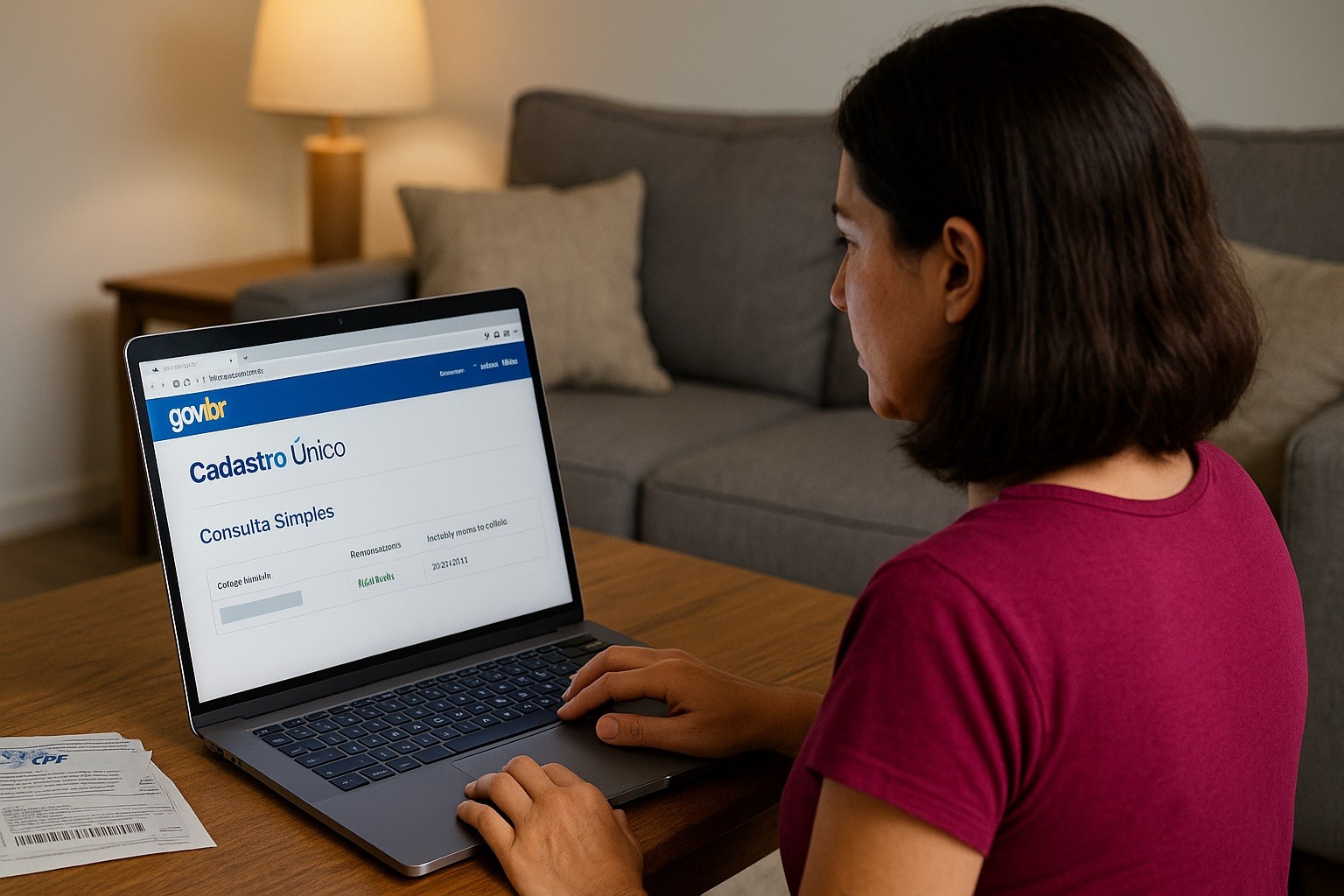
Web portal: The Consulta Simples (simple query) on the gov.br service page lets you see status, last update date, and deadline.
If you need help, the federal government provides Disque 121 (MDS), the gov.br CadÚnico page, and CRAS as official support paths.
Who Must Update Data on CadÚnico and How Often
Families should update at least every 24 months, or any time there is a change (address, household members, employment/income, school, documentation).
This guideline is standard across federal communications and adopted by states and municipalities.
Failing to keep data current can lead to review, blocking, or suspension of benefits that rely on CadÚnico consistency checks.
Keep your record current and keep proof of any changes you report.
Step-by-Step: Checking and Confirming Your Data Online
Before you start, have on hand your full name, date of birth, mother’s name, and the city/state where your family is registered.
If you plan to open the Consulta Completa, make sure you know your gov.br login.
A) Using the CadÚnico app (Android/iOS)
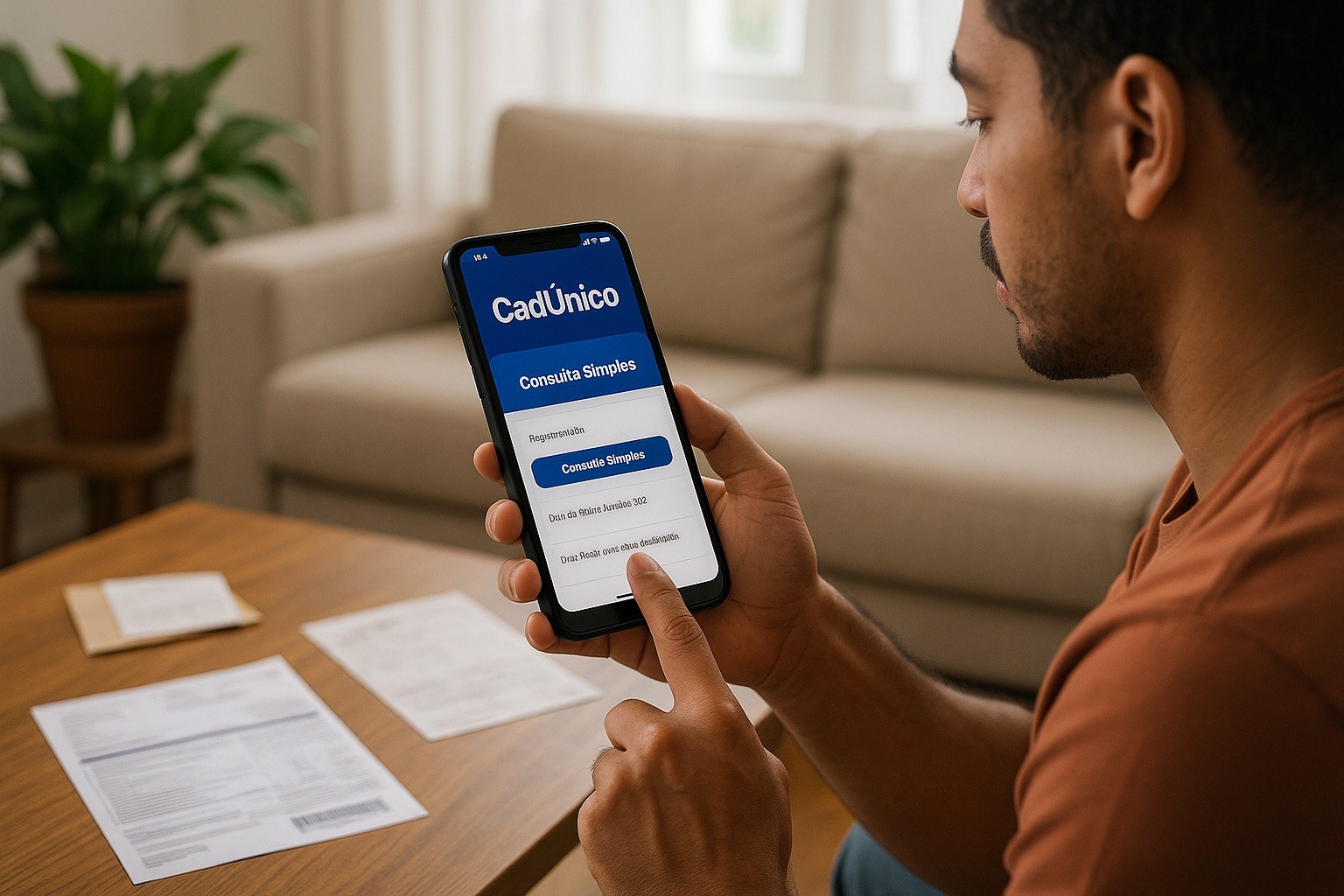
Download the official app from the Google Play or App Store. Open and choose Consulta Simples to view status, NIS, last update, and next deadline.
If prompted and eligible, use “atualização por confirmação” to state that your data has not changed. This option is limited to the responsável familiar.
For the Consulta Completa, sign in with gov.br to view all sections (address, household, expenses, members).
B) Using the web version
Access the official Consulta Simples and enter the identification data exactly as in your record to locate your family.
Check the date of the last update and the deadline for the next one. If nothing has changed and the system offers confirmation, complete it online.
If you need to change information, stop here and schedule an in-person update at CRAS or the local CadÚnico post.
When You Must Go in Person (and what to take)
You must go in person whenever there is any change in the data or if the system requires an interview.
Updates with changes are performed at CRAS or authorized posts, and the 24-month window remains the maximum interval.
Bring CPF of all household members and an address proof (preferably an electricity bill).
If applicable: birth/marriage certificates, school information, work/income proof, and updated IDs.
Tip: Many municipalities require prior scheduling for CadÚnico service. Check your city hall website or call the local service line to confirm procedures before visiting.
How to Read Your Status and Next Steps
Inside Consulta Simples or the app, look for:
- “Situação cadastral” (e.g., updated, to update, under review).
- “Data da última atualização” and “Data limite para nova atualização”.
These fields tell you whether you must take action now or by a set deadline. If your status shows pending or out of date, plan the in-person update.
If your data is current and the system offers confirmation, you can complete that online to keep the record active.
Avoiding Errors and Fraud
The government has issued alerts about misinformation during the ongoing modernization of CadÚnico.
Use only official channels (gov.br, CadÚnico app, CRAS) and do not share personal data through messages or unofficial forms.
For guidance, prefer Disque 121, the official gov.br CadÚnico page, and CRAS as the correct support paths.
Common mistakes to avoid
Trying to change data exclusively online: confirmation is different from a full update with changes, which is in person.
Entering your name or your mother’s name differently from how it appears in the registry can block retrieval in Consulta Simples.
Waiting more than 24 months to update or to confirm data; the two-year rule still applies.
Privacy and Security
Your CadÚnico record contains sensitive identification data. Use the official app and the gov.br portal, and keep your gov.br password private.
If you suspect a scam, contact Disque 121 or your CRAS. Staying on official platforms helps you avoid fraudulent requests.
Quick Answers (FAQ)
Can I fully update my data online?
No. You can consult your data and, when eligible, confirm that nothing changed via the app or web. Any change in information requires an in-person update.
How often must I update?
At least every 24 months, or anytime something changes in your family information. This rule has not changed.
Where do I see my deadline?
In the app or web Consulta Simples, which shows the last update and the “data limite para nova atualização.”
What if I can’t access the internet?
Go straight to CRAS for assistance, or call Disque 121 to confirm the nearest service point.
Bottom Line
To update data on CadÚnico online, use the official app or web portal to check your status and confirm that your information remains the same.
When anything changes in your family or when your record hits the 24-month limit, you must go in person to CRAS or an authorized unit.
Rely only on gov.br channels and Disque 121 for help; this keeps your benefits protected and your enrollment compliant.